Project Overview
This project focuses on detecting deepfake images using machine learning techniques.
A trained MesoNet model analyzes facial regions to identify manipulation artifacts
left behind by the software / model used to generate the deepfakes
and determine whether an image is REAL or FAKE. The system is designed to be fast,
lightweight, and accurate, making it suitable for real time detection scenarios.
The project also includes a video frame extractor so that a user can input a video
and extract every frame from the video and then choose a farme that they would like to analyze.
How does Mesonet work:
MesoNet and its Meso4 variant is a lightweight deepfake detection neural network designed to spot
subtle manipulation artifacts in facial images. Instead of relying on high resolution details,
Meso4 focuses on mesoscopic features: mid level patterns that deepfake generators often distort,
such as texture inconsistencies, blending errors, and unnatural facial transitions.
Technologies Used
- Python
- TensorFlow / Keras
- MesoNet
- OpenCV (Face Detection & Image Processing)
- HTML & CSS
- Flask
Project Screenshots
Image Detector Interface
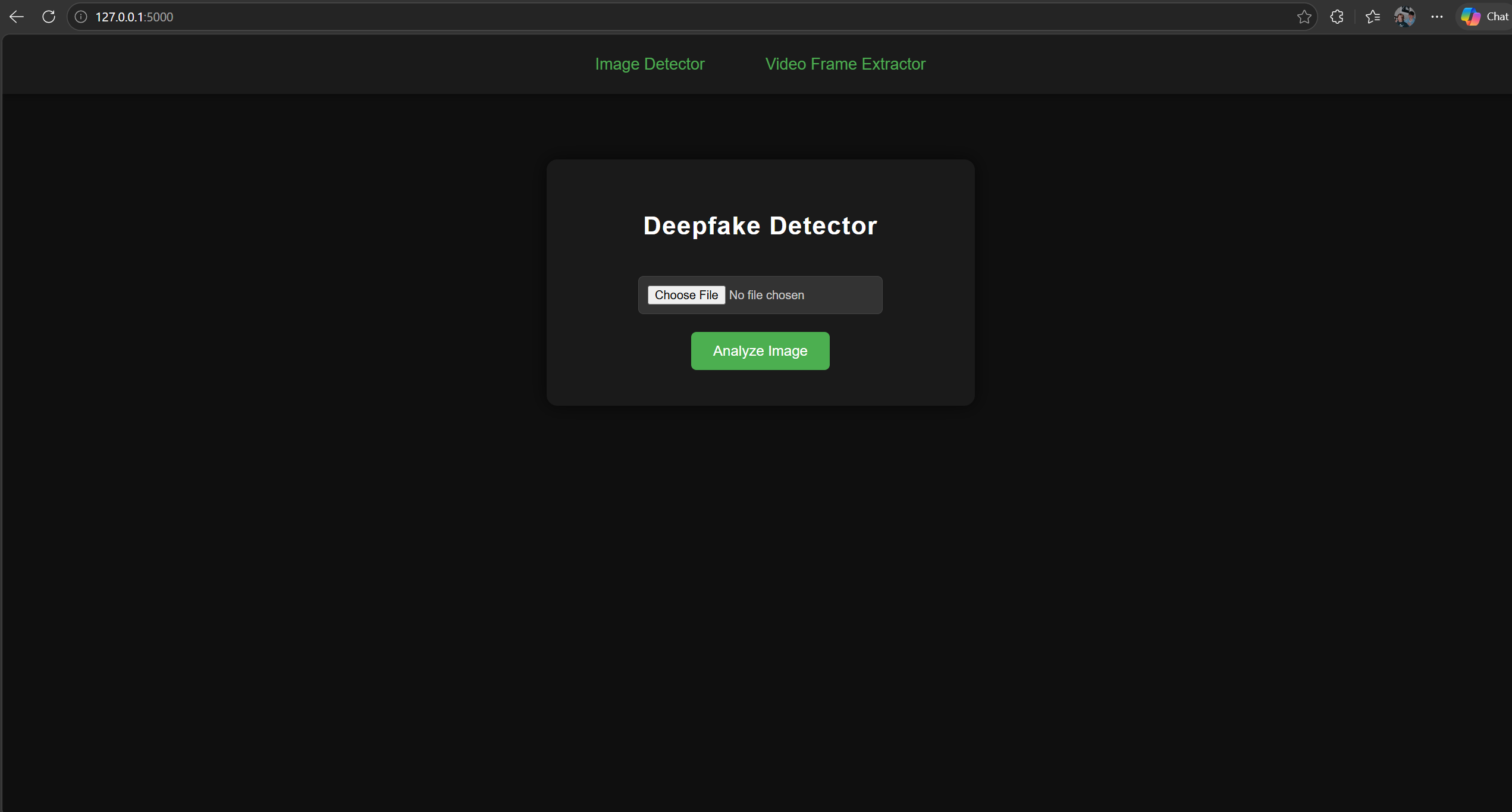
The Image Detector interface provides a simple, streamlined way for users to upload an image and instantly analyze it for deepfake manipulation. Users can select an image using the “Choose File” button and then trigger analysis with the green Analyze Image button. Once processed, the system displays the classification result - REAL or FAKE - along with a confidence score, giving users a clear understanding of how strongly the model supports its prediction. The interface is designed for ease of use, fast interaction, and a smooth workflow for testing images through the deepfake detection model.
Video Frame Extractor
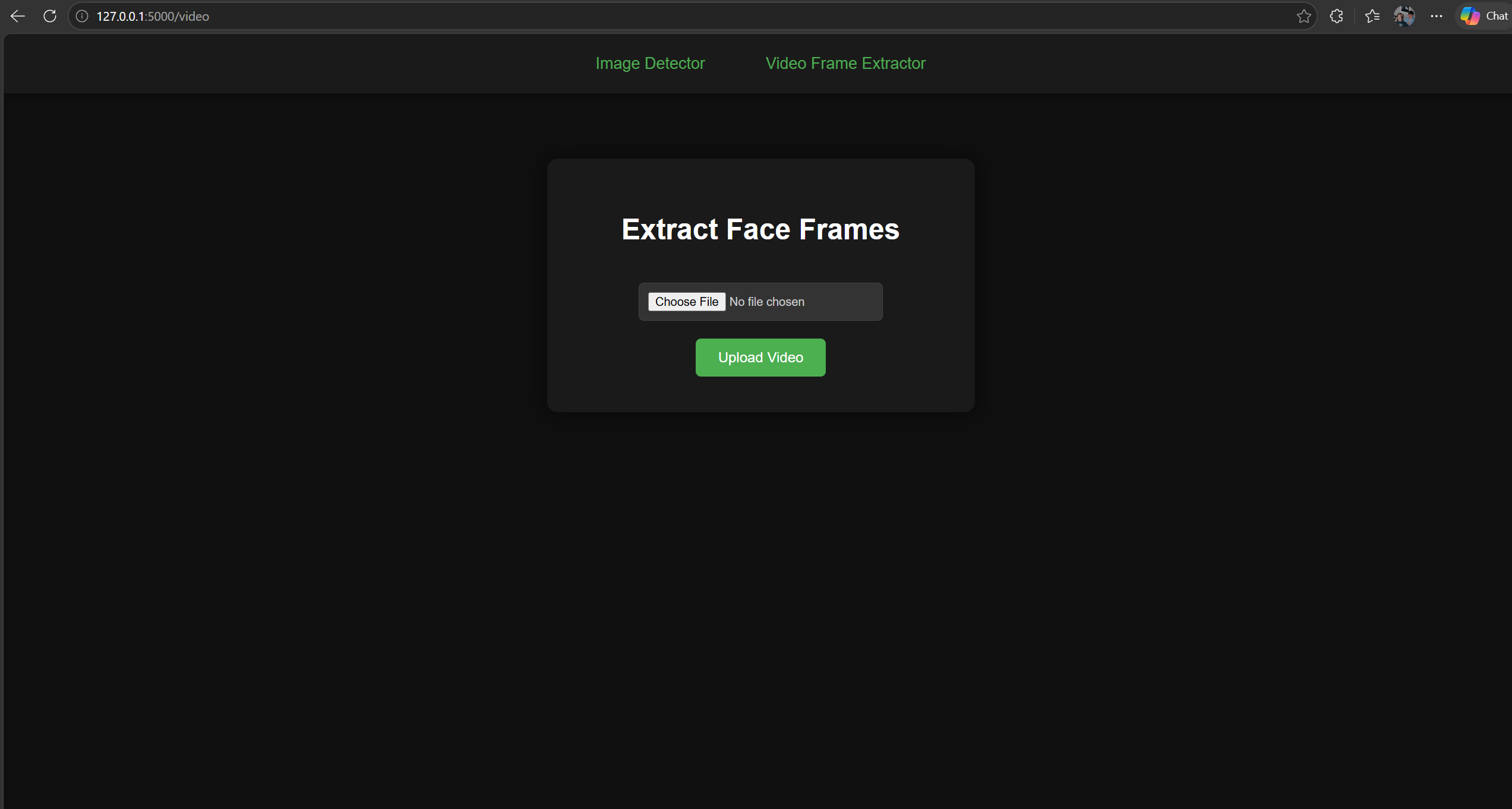
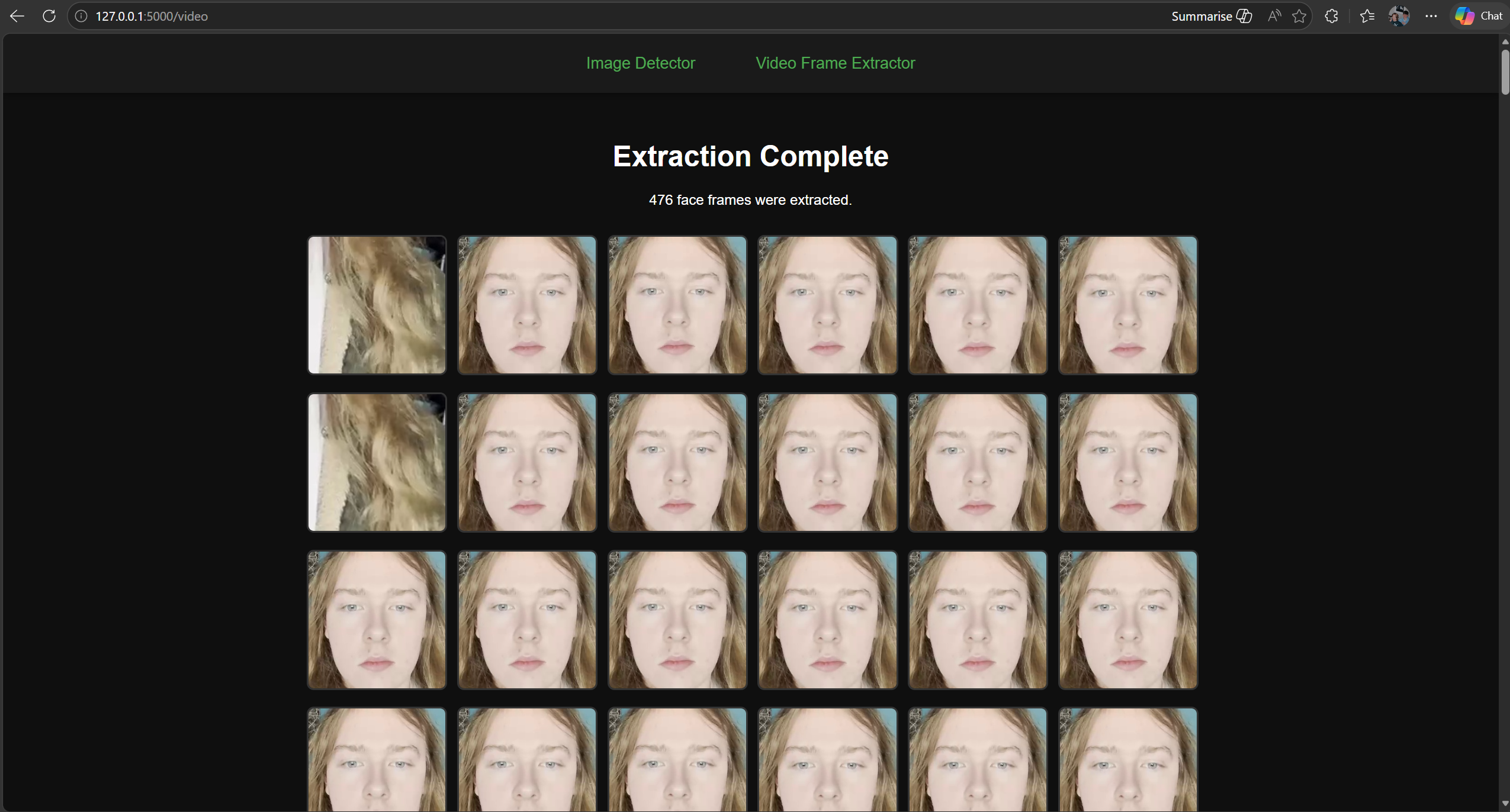
The Frame Extractor interface provides a streamlined way to process
video files and automatically extract every frame containing a detectable face.
Users begin by selecting a video
through the “Choose File” button and then uploading it using the green Upload Video button.
Once processed, the system analyzes the video frame by frame, detects faces,
and extracts each frame.
After extraction, the interface displays a completion message along with the
total number of frames found. Below this, a neatly arranged gallery of
images that showcases all extracted face frames, allowing users to visually
inspect the results or download individual frames as needed. The interface is built for clarity,
efficiency, and ease of use,
making it an essential tool for inspecting deepfake related video content.
Deepfake Prediction Output
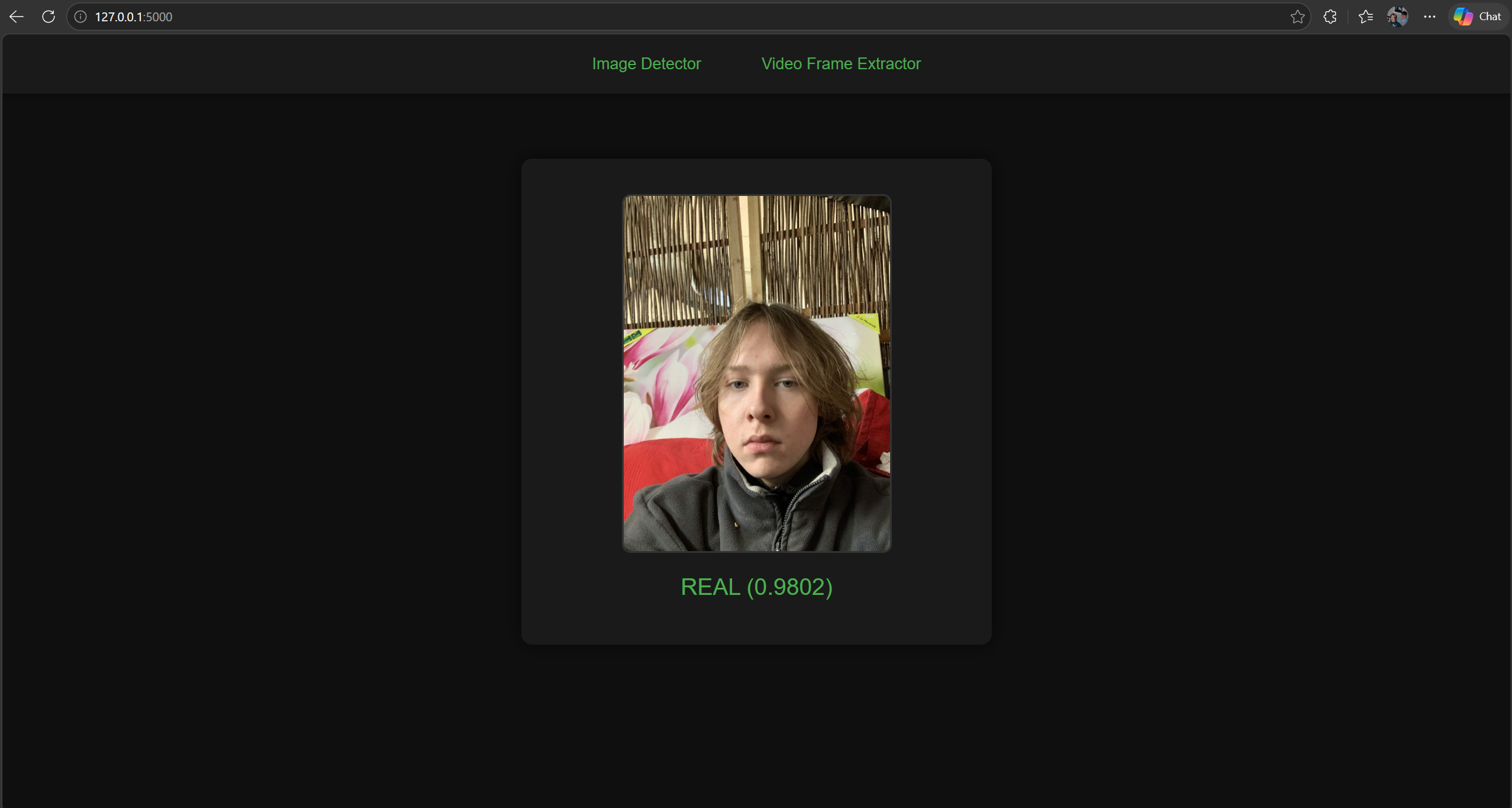
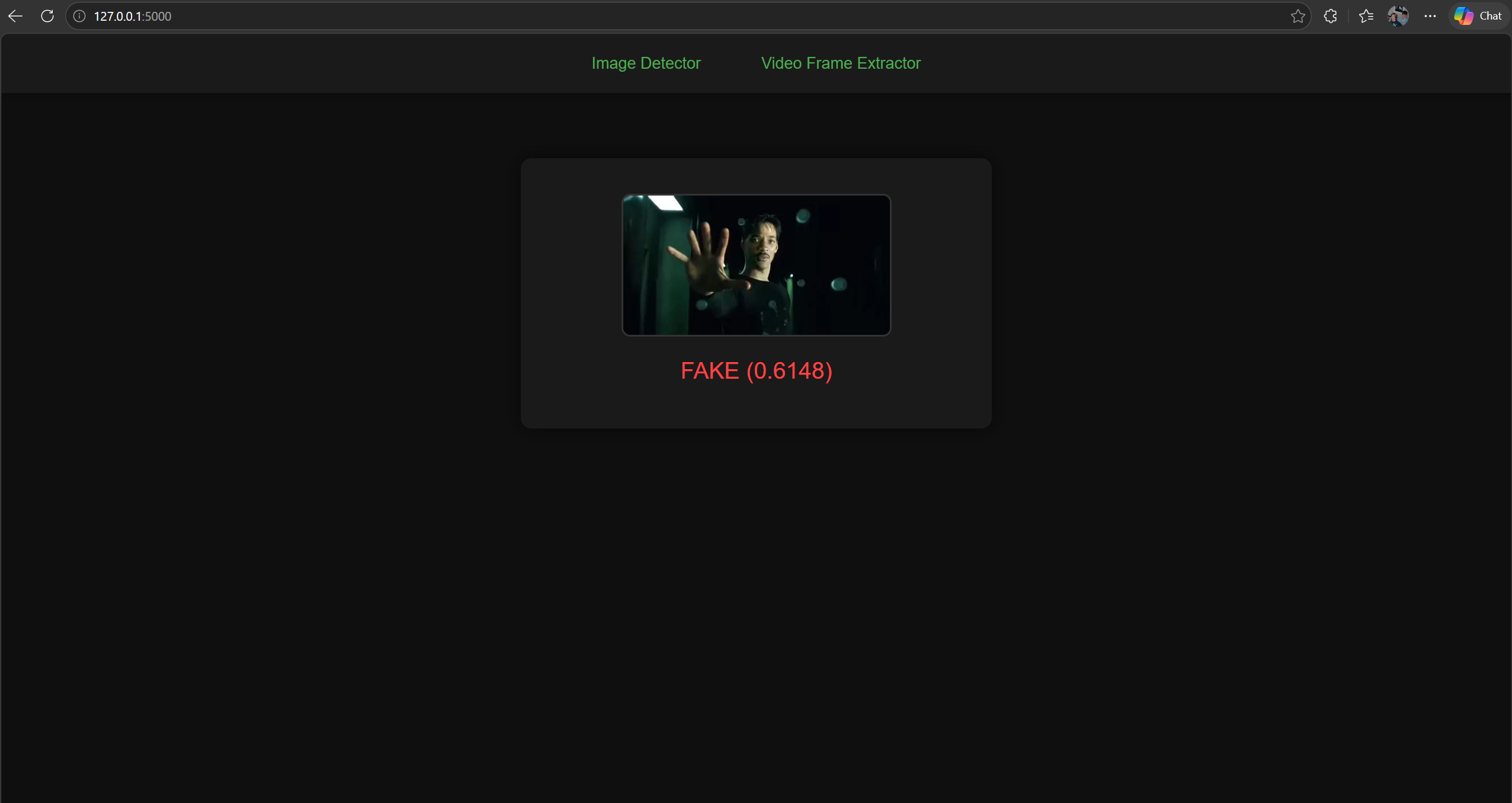
The prediction output interface displays the final result of the deepfake analysis in a clear and visually focused format. After an image is processed, the detected face is shown prominently in the center of the screen, allowing users to visually confirm what the model evaluated. Beneath the image, the system presents a classification label - REAL or FAKE - accompanied by a confidence score that reflects how strongly the model supports its decision. The color coded output (green for REAL, red for FAKE) provides instant visual feedback, making it easy to interpret results at a glance. This interface is designed to be simple, direct, and informative, giving users a transparent view of how the deepfake detection model responds to each image.