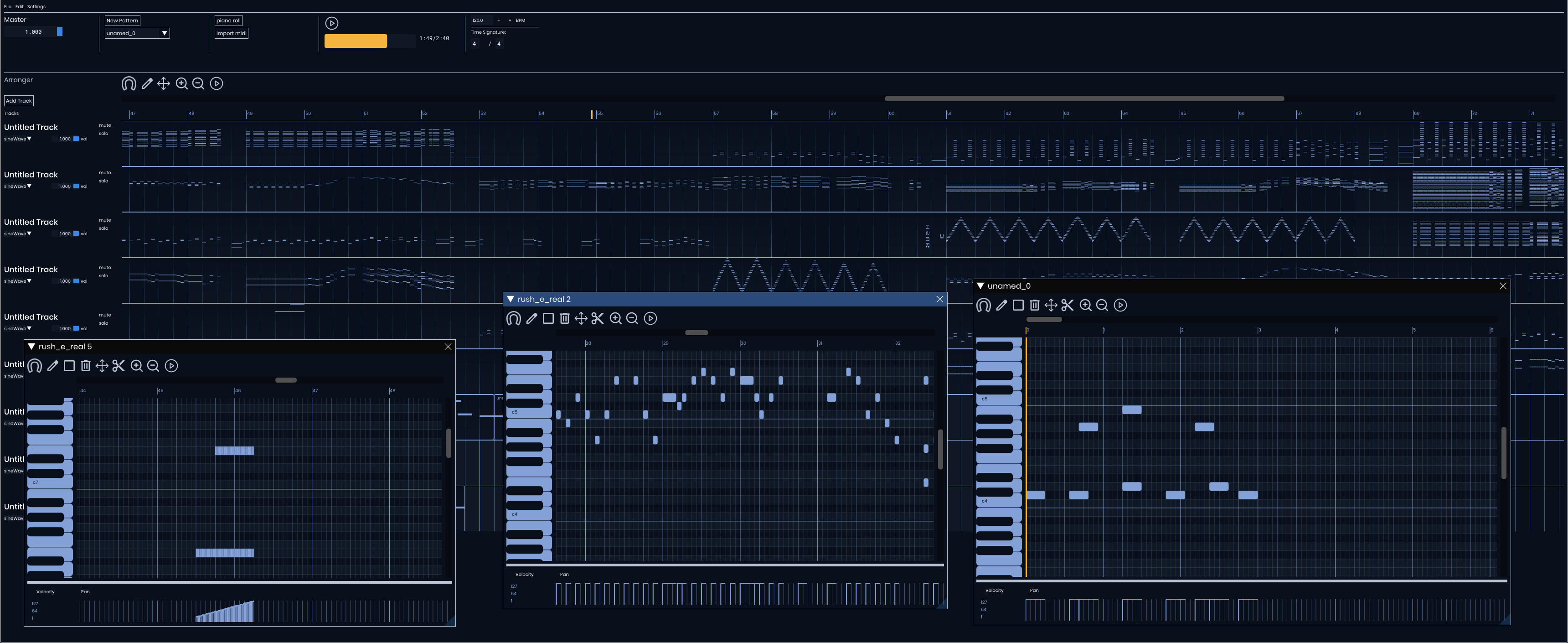
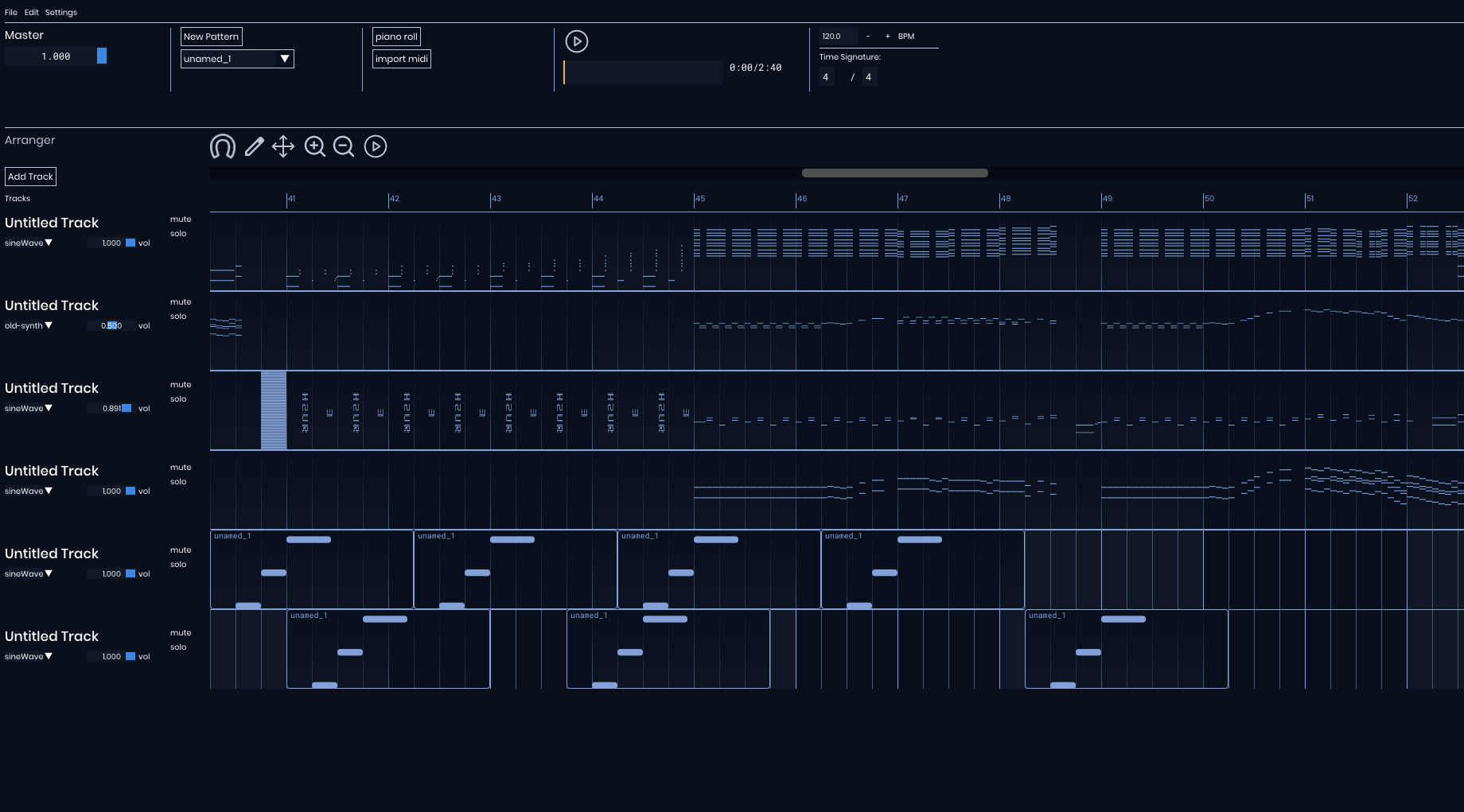
Software for editing and creating MIDI sequences, combining strong technical engineering with a focus on UX/UI design. The project explores what it means to build a real creative tool — not just functional software, but something musicians would actually want to use.
A high-performance sequencing interface built with an immediate-mode GUI paradigm for frame-perfect responsiveness.
Technical Implementation
Low-Level Rendering: Uses ImDrawList for custom rendering of notes, grid subdivisions, and the real-time playhead.
Ghost Note System: Implements a "visual-only" layer during drag operations to preview shifts without mutating the primary data model.
Coordinate Mapping: Dynamic calculation of note positions based on pixelPerBeat and zoomFactor state.
Note Mutations
Move: Every frame checks if you are hovering a note; when holding click, the note follows the cursor. Multiple notes can be moved at once via box-selection.
SHIFT + UP/DOWN: Pitch shift one semitone
CTRL + UP/DOWN: Pitch shift one octave
SHIFT + LEFT/RIGHT: Time shift half division
CTRL + LEFT/RIGHT: Time shift full division
Stretch & Scale: Context-aware hovering allows for rhythmic stretching. A dedicated scaling bar facilitates proportional re-timing of multiple selections.
Custom C++ logic for reading Standard MIDI Files at the byte level, supporting Format 0 and Format 1.
Midi Handling Logic
Tracks: Splits imported midi files into track chunks, merges tracks autmoatically if single track format
Midi Event Parsing: goes byte by byte handling VLQ, and running status compression. Builds internal midi event objects, for rendering, mutation and playback
Delta Scaling: Proportional scaling logic converts external file ticks into the native 960 PPQ grid.
Mutations: Any changes made update, data and ensures valid stable midi data, for playback and rendering
Audio system build with JUCE, complies scheduled events, adds midi events to synths audio buffer in real-time
Signal Path Logic
Buffer Management: Midi buffer is populated based on pattern or arranger playback.
Processed by the audio buffer after JUCE high-res timer callback iterates past its event time, messages is added to its respectuve audio buffer for processing
Audio Sampling: Imported audio files are sampled, and used to create synths
Volume Control: Tracks have uniqe gain values that update the audio in real-rime, using fast ramp to removing cliping during playback
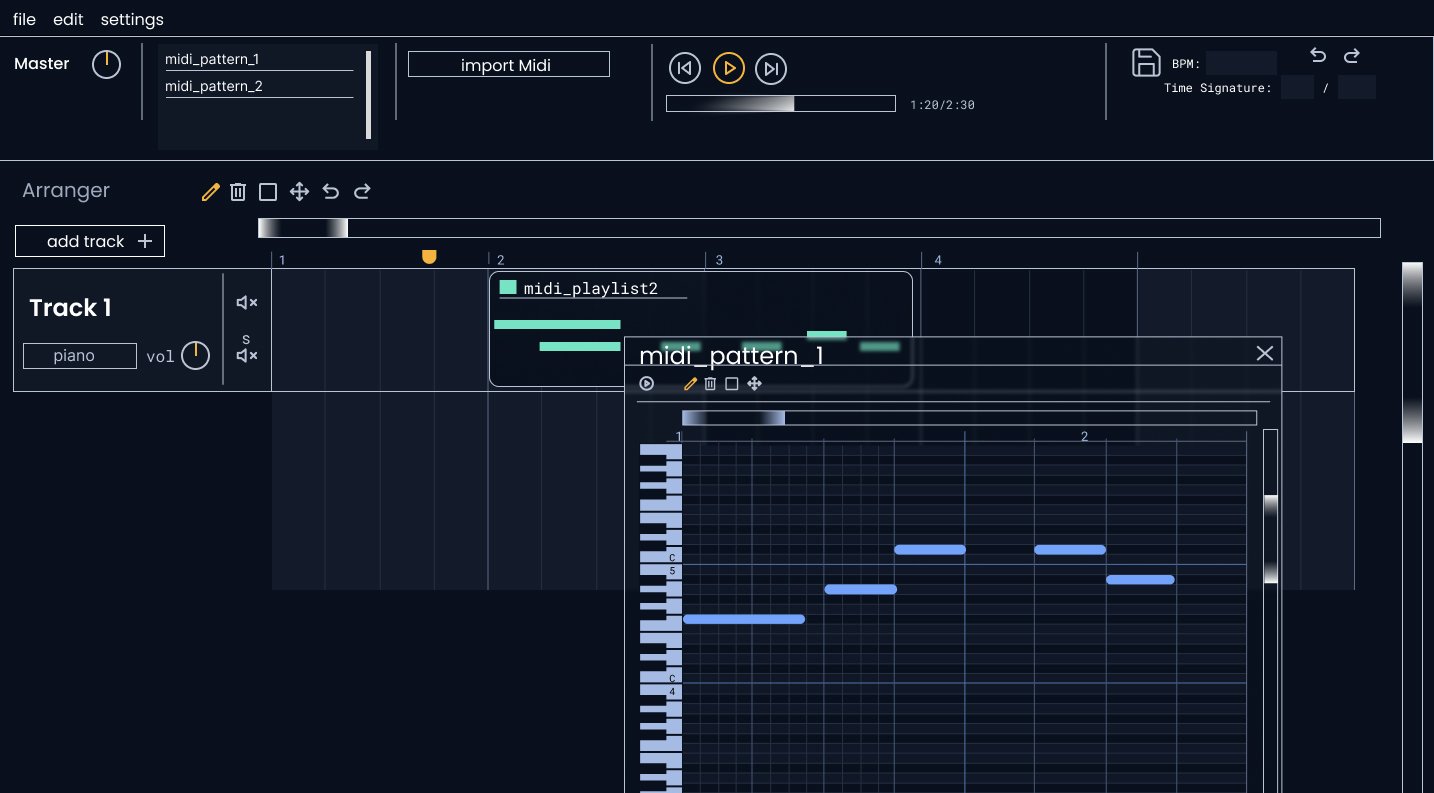
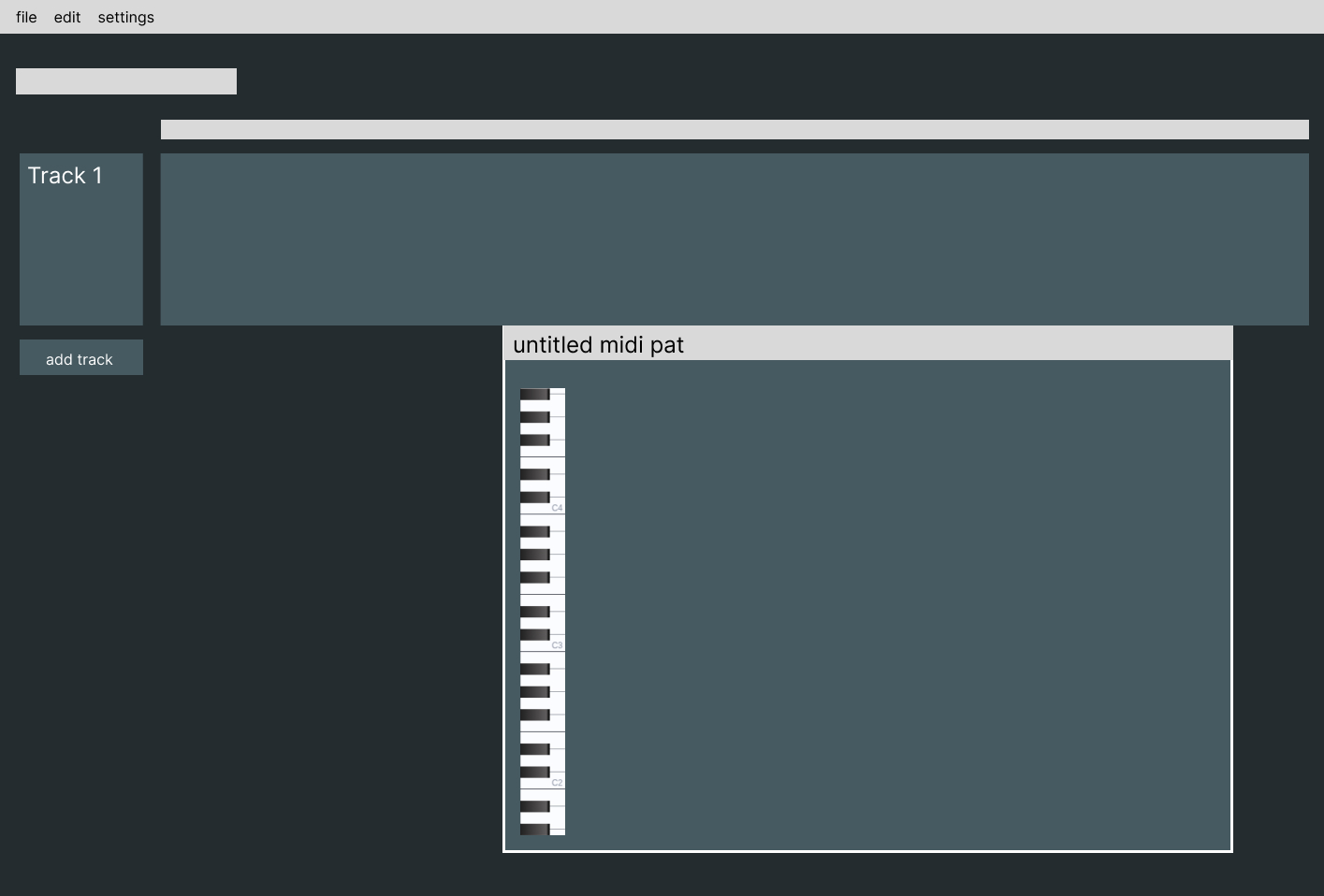
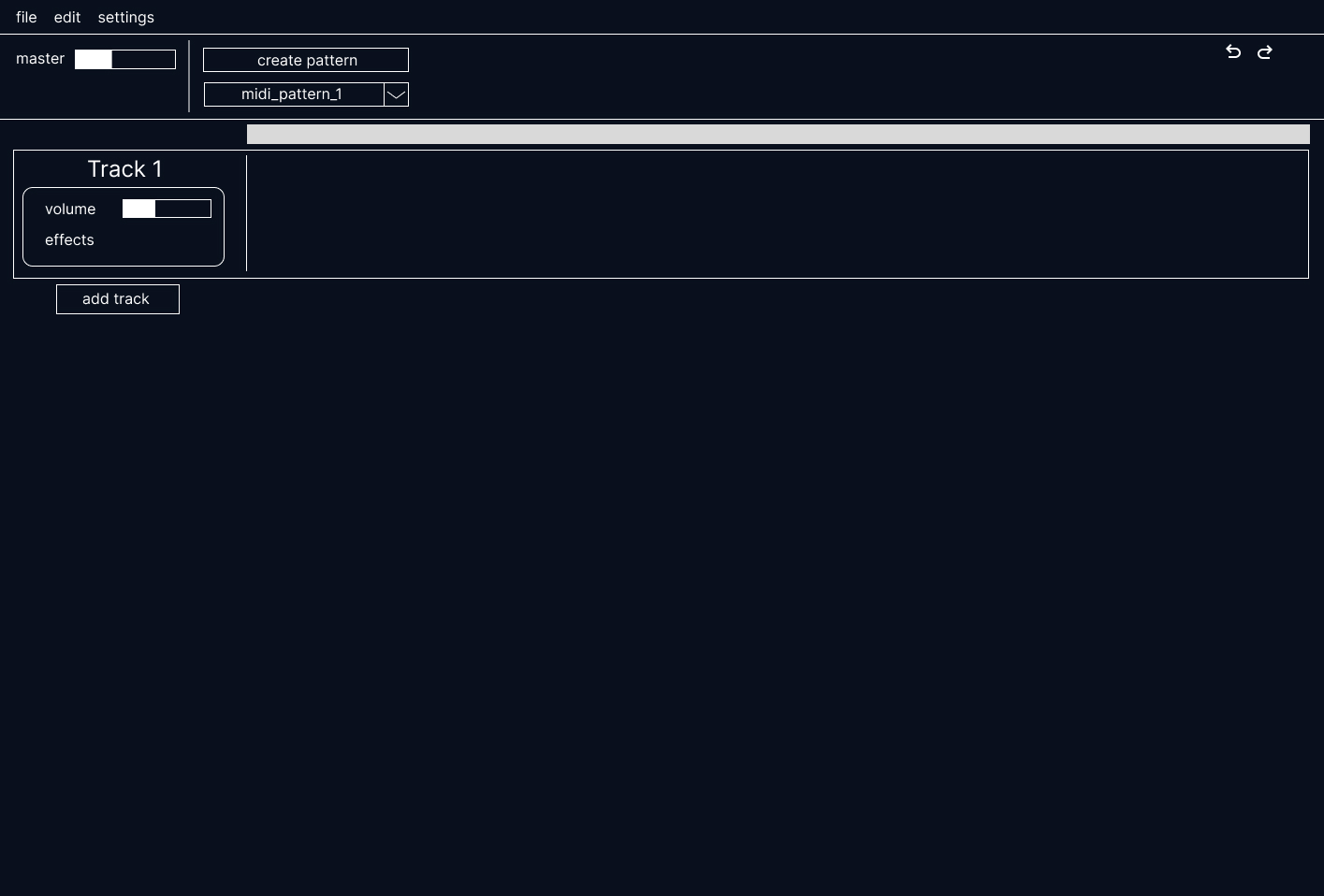
Showcase of design process, from early stage to fnished product. Elements design in figma
Research
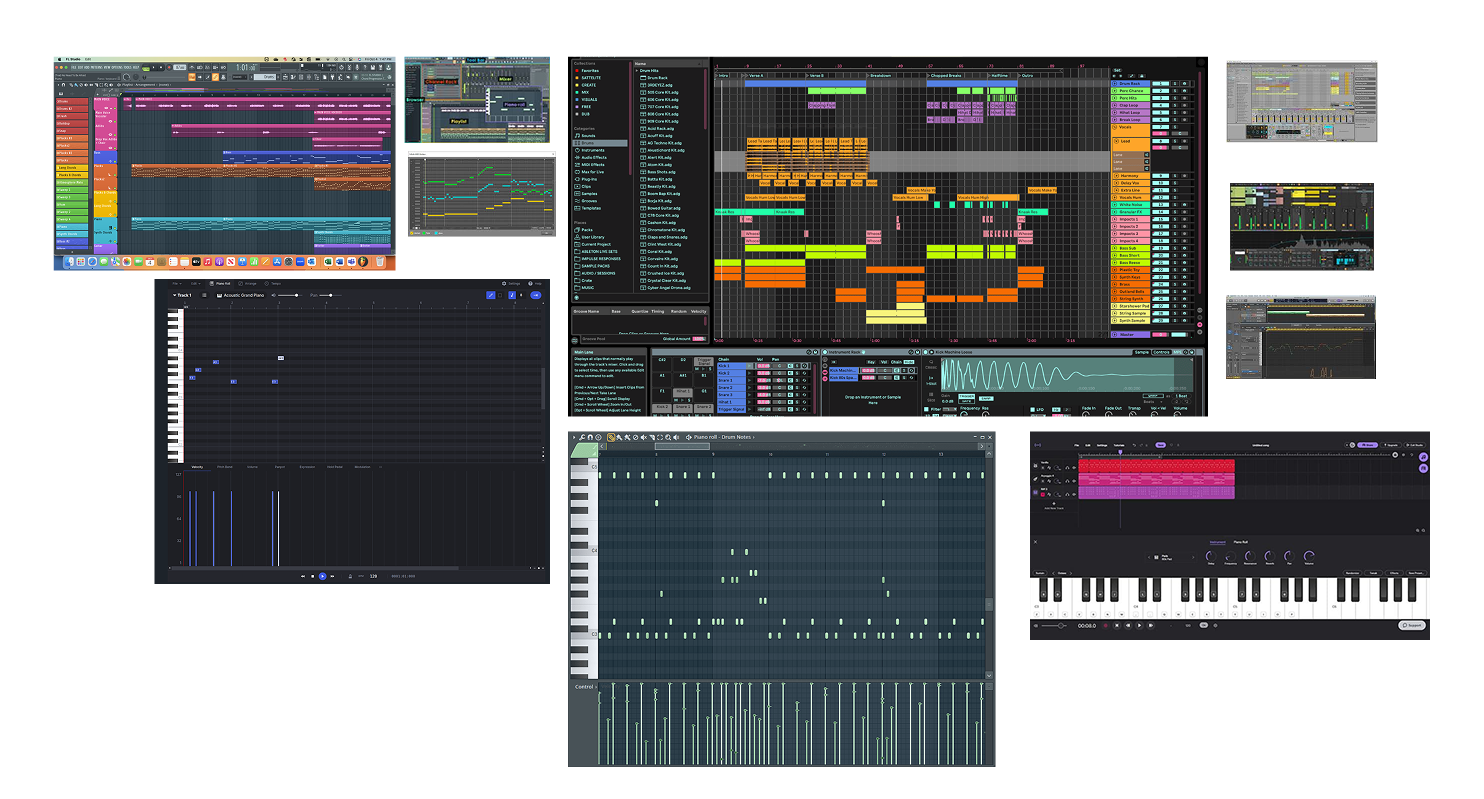
I started off by researching other midi and step sequncers, for basic minmial projects,
to full professional DAWs. Test different DAWs interaction note placing, importing. Broke down common their visual architecture and flow.
WireFraming - low Fidelty
Started off with simple box to get a feel for layout, experiment with many different colours shceme but settle on mono tone blue look, with orrange accents
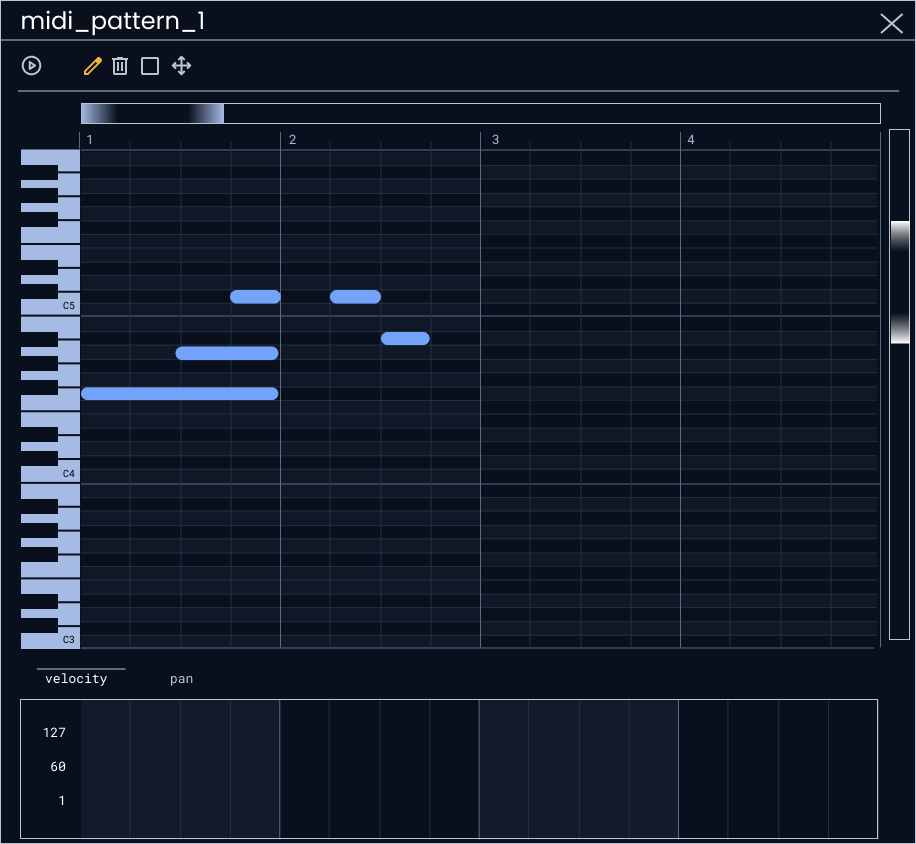
Piano Roll Designs
This was the most import thing to get correct this is where the most interaction takes place.
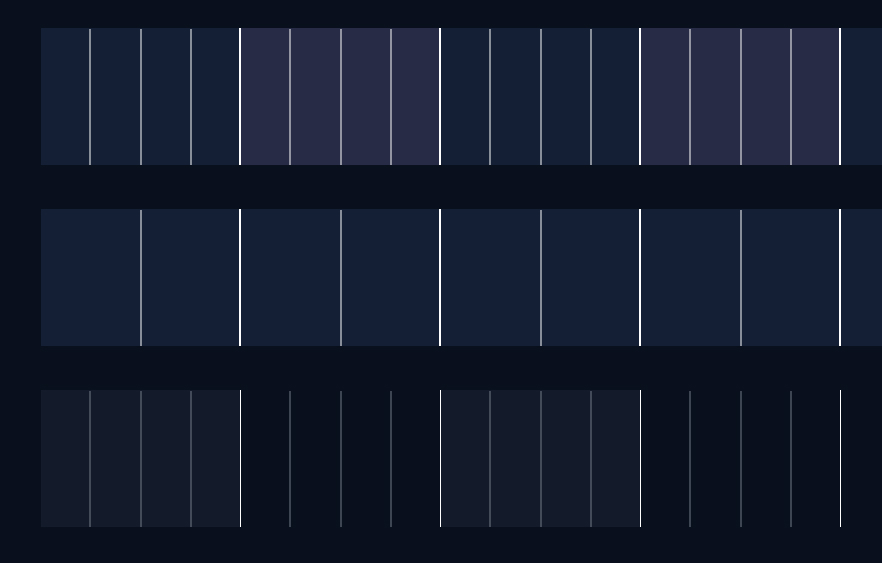
The area that proved most diffiult was bar, beat, subeat and pitch lines lightness and hue
and to be balanced so that each line is unique in tone and also cohesive as a whole. To create
more speration in I shift the hues and saturation of the highest level lines (bar & octave)
DAWs have many different way of visualising their piano some stack evenely spaced white
and black bars, and some go for something inbetween, keeping a piano look while subtly resizing blocks to fit the grid.
I went for the more accurate approach meaning octaves have perfect alignment but notes in between are slightly off.
Full Figma Page
To see designs and iteration more deeply you can look at my
figma page